


Tragbarer kabelloser Thermodrucker kompatibel für Smartphones & Laptops, kabelloser tintenloser Drucker geeignet für Büro, Tattoo, Auto, Partys, kompatibel mit /, Bedienung für Brief- & Tattoo-Papierdruck
Tragbarer kabelloser Thermodrucker kompatibel für Smartphones & Laptops, kabelloser tintenloser Drucker geeignet für Büro, Tattoo, Auto, Partys, kompatibel mit /, Bedienung für Brief- & Tattoo-Papierdruck
BUNDLE & SAVE
Verfügbarkeit für Abholungen konnte nicht geladen werden
-
Ordered
- - -
Order Ready
- - -
Delivered

Tragbarer kabelloser Thermodrucker kompatibel für Smartphones & Laptops, kabelloser tintenloser Drucker geeignet für Büro, Tattoo, Auto, Partys, kompatibel mit /, Bedienung für Brief- & Tattoo-Papierdruck
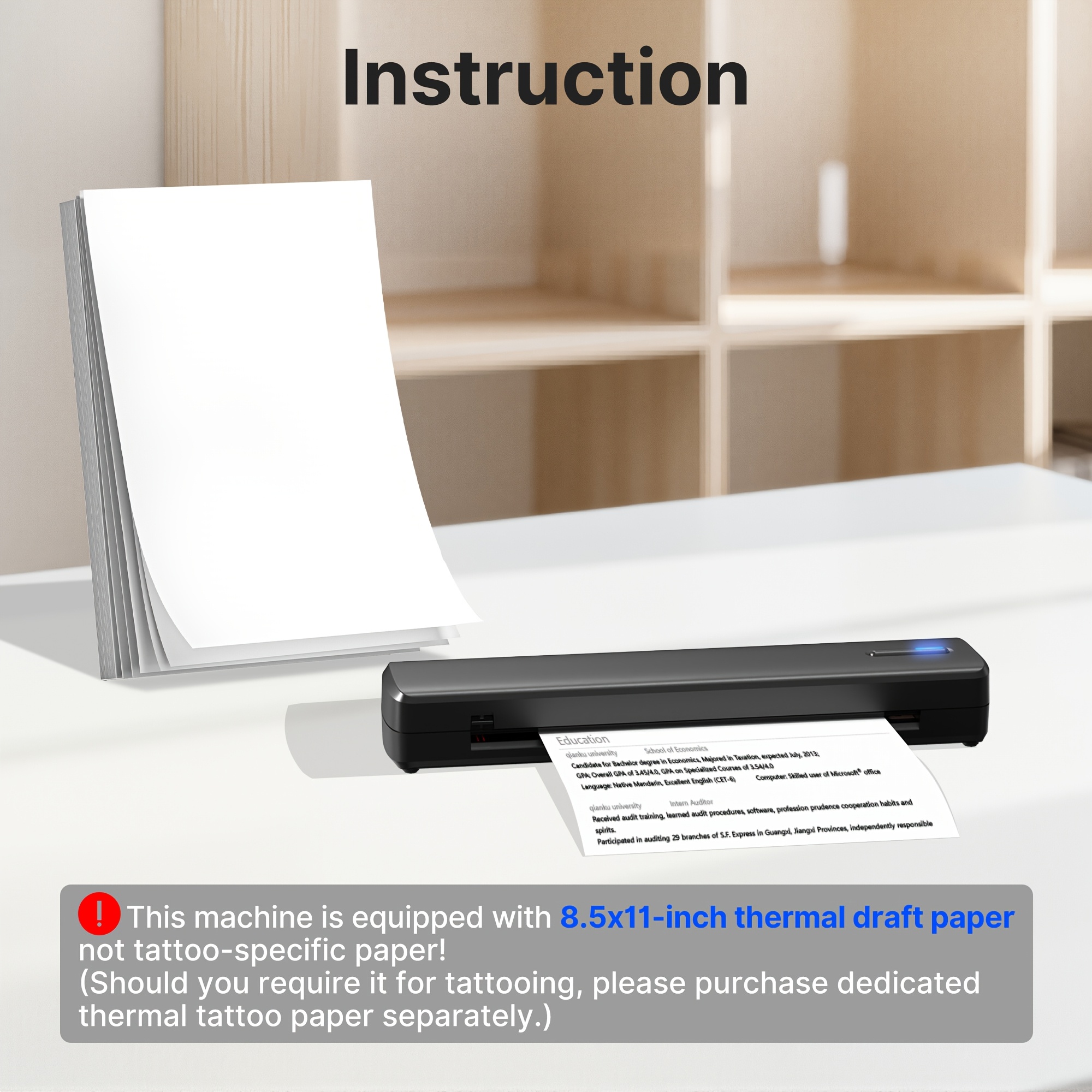
Hinweis: Dieses Gerät unterstützt nur das Drucken von Schwarz-Weiß-Dokumenten und erfordert die Verwendung von Spezial-Thermopapier. Normaler A4-Papier funktioniert nicht. Bitte beachten Sie dies vor dem Kauf
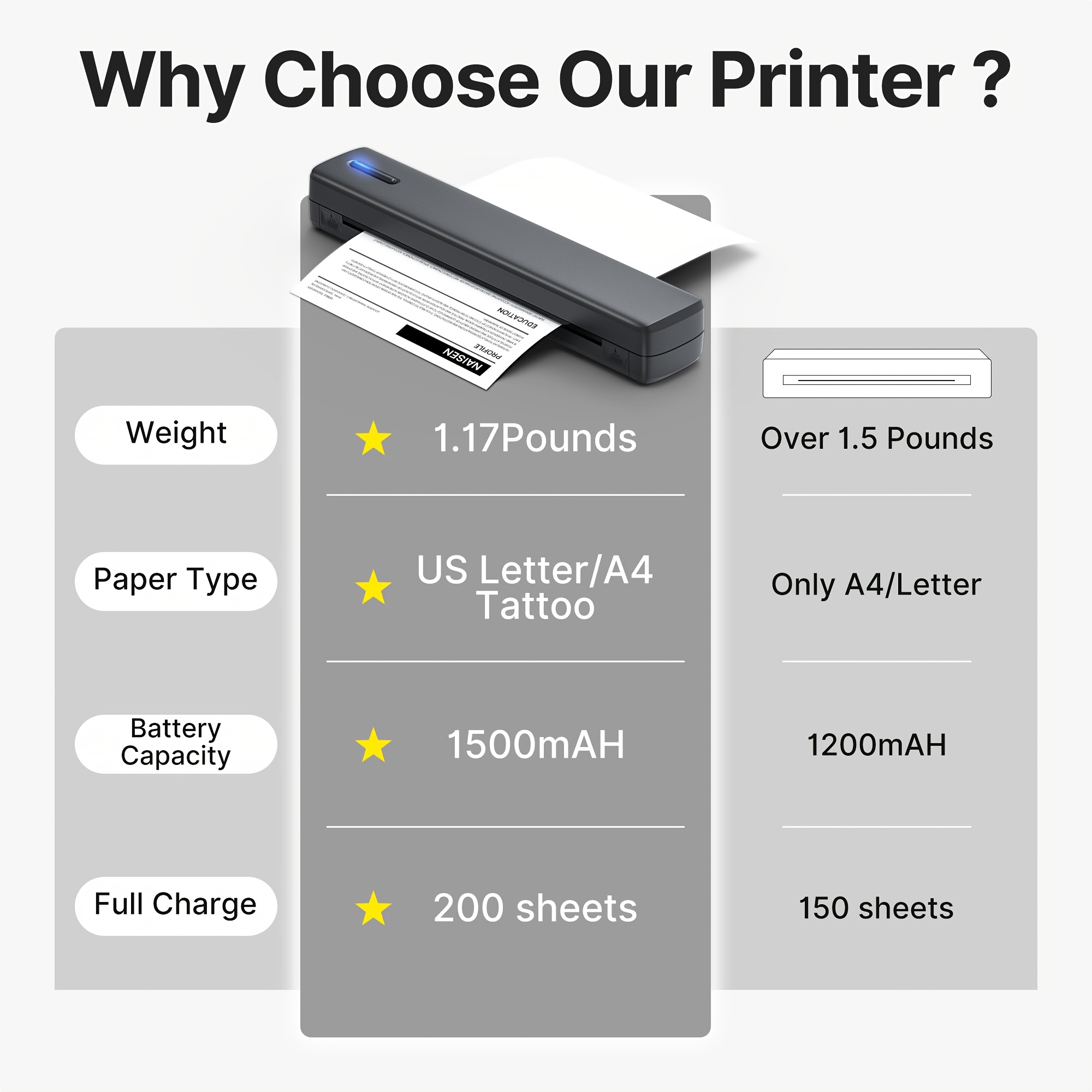
Dieser Thermodrucker ist kompatibel mit Rollenpapier, Faltenpapier und Tattoo-Transferpapier und unterstützt das Drucken von PDFs, Word-Dokumenten, Bildern und Webseiten jederzeit und überall über Ihr Mobiltelefon. (Hinweis: Diese Maschine hat kein integriertes Papierfach. Wenn Sie Rollenpapier kaufen, müssen Sie es außerhalb der Maschine platzieren und flach auslegen, um zu drucken.)
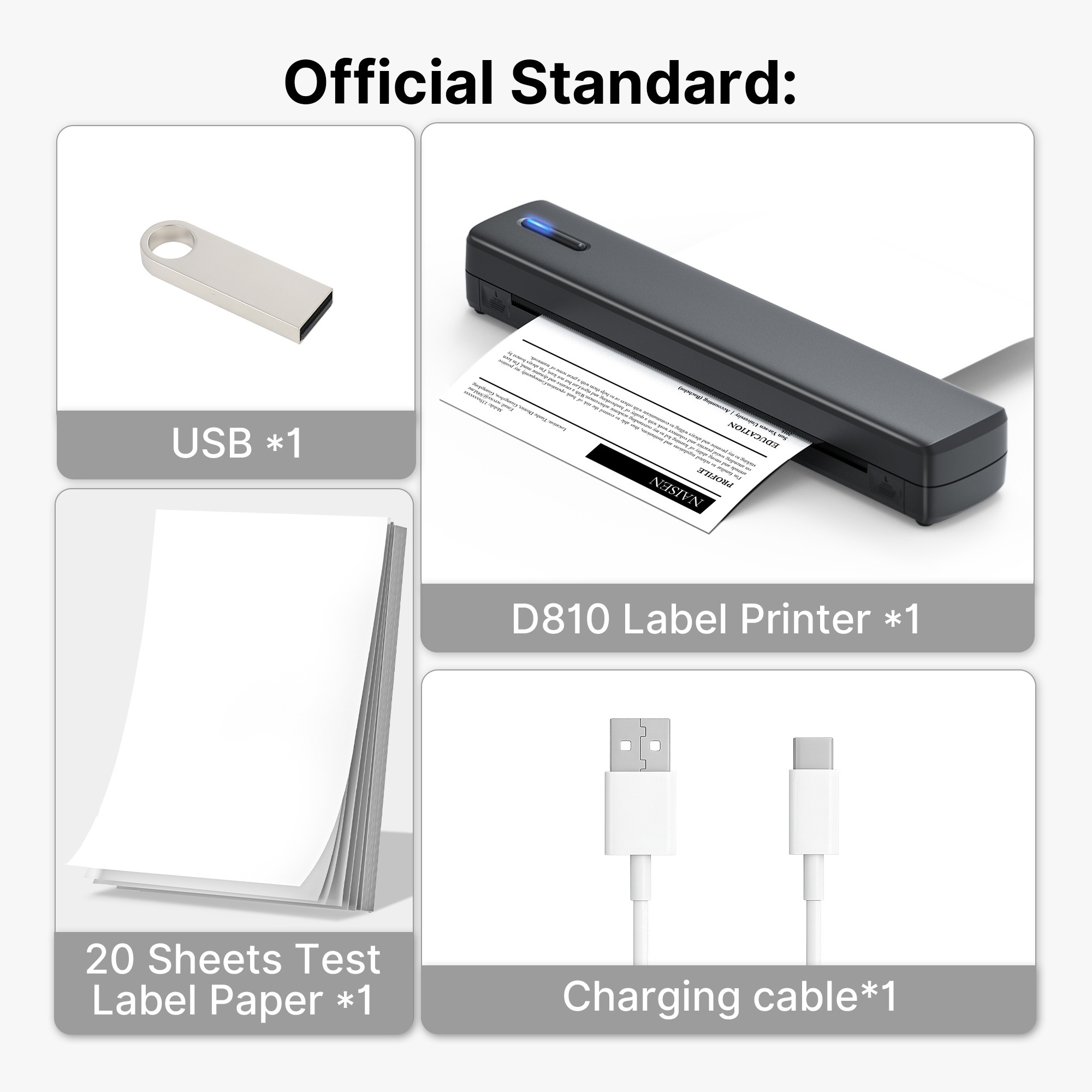
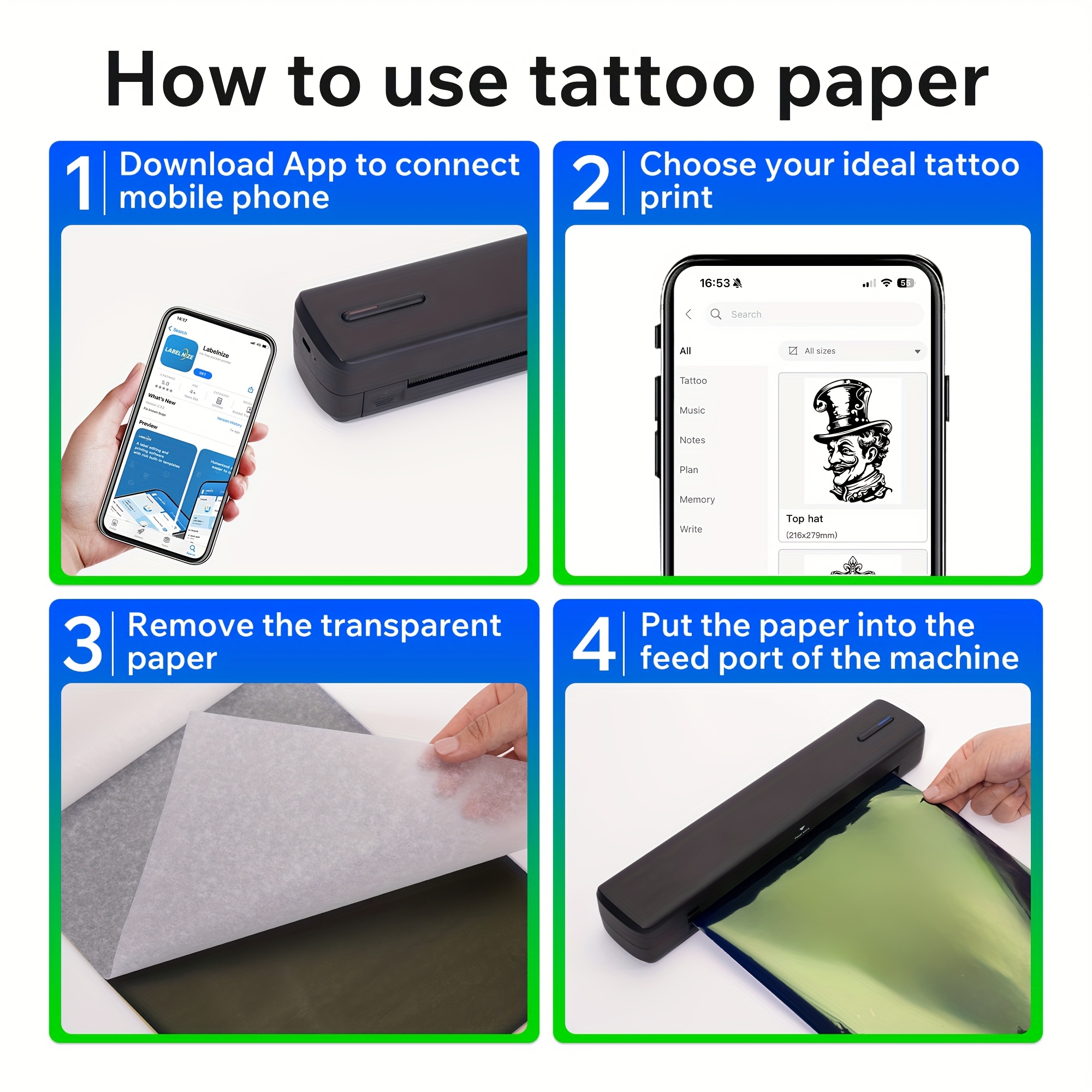
[Hohe Kompatibilität] Dieser drahtlose tragbare Drucker unterstützt Mobiltelefone, jedoch keine Chromebooks. Mobiltelefonbenutzer sollten die "Labelnize"-App zum Drucken herunterladen. Computerbenutzer müssen den Treiber über ein USB-Kabel herunterladen. Bitte laden Sie den D810-Computer-Treiber vom mitgelieferten USB-Stick herunter. Hinweis: Für den Computer ist eine USB-Kabelverbindung erforderlich; eine drahtlose Verbindung wird nicht unterstützt
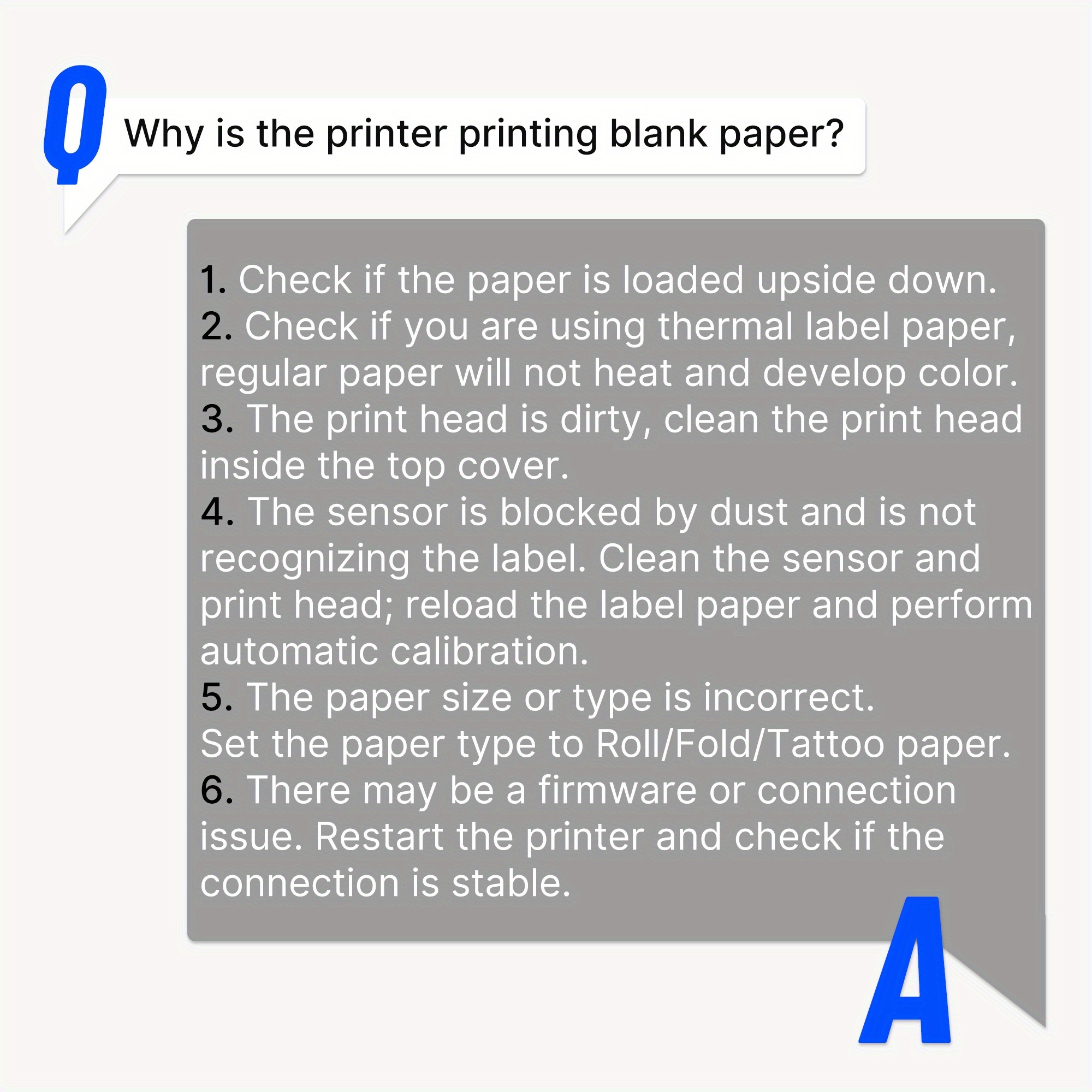
Wie drucke ich PDF-Dateien korrekt aus?1. Überprüfen und standardisieren Sie die Abmessungen: Stellen Sie sicher, dass die PDF-Seitengröße auf Ihrem Computer/Telefon, die in der Drucksoftware festgelegte Papiergröße und die tatsächlich in der D810 installierte Papiergröße vollständig übereinstimmen2. Druckerkalibrierung durchführen: Nach dem Nachladen der Papierrolle drücken Sie manuell einmal die Papierzufuhrtaste, damit der Drucker automatisch die Position des Etikettenabstands erkennt3. Verwenden Sie Original-Verbrauchsmaterialien: Die Verwendung von nicht originalen Papieren kann zu Größenerkennungsfehlern führen

Collapsible row
Collapsible row



Custom columns
Use the flexible grid system to create any layout. Each block can be placed in any of the columns.
Image/Video Slider
Content heading
Pair icons with content to focus on your chosen product, collection, or blog post. Add details on availability, style, or even provide a review.